
In this update to Dragon2000 Portal, the following features have been added:
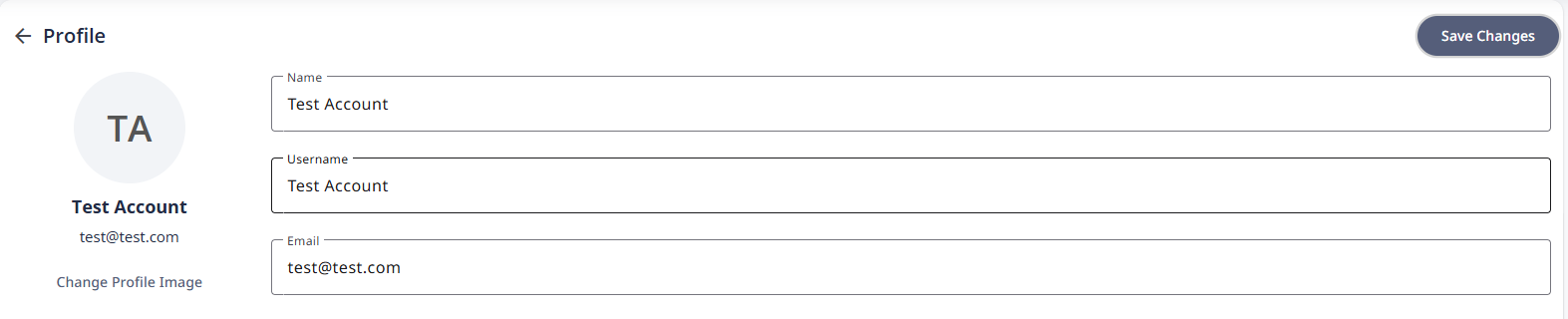
Usernames for Employee Records
When creating a new user within Dragon2000 Portal, you now have the option to record a Username for that record as well as the Name and Email Address.
This Username and the password created on set up, can then be used to log into the DragonDMS if required.
Unroadworthy Invoices and Disclaimers
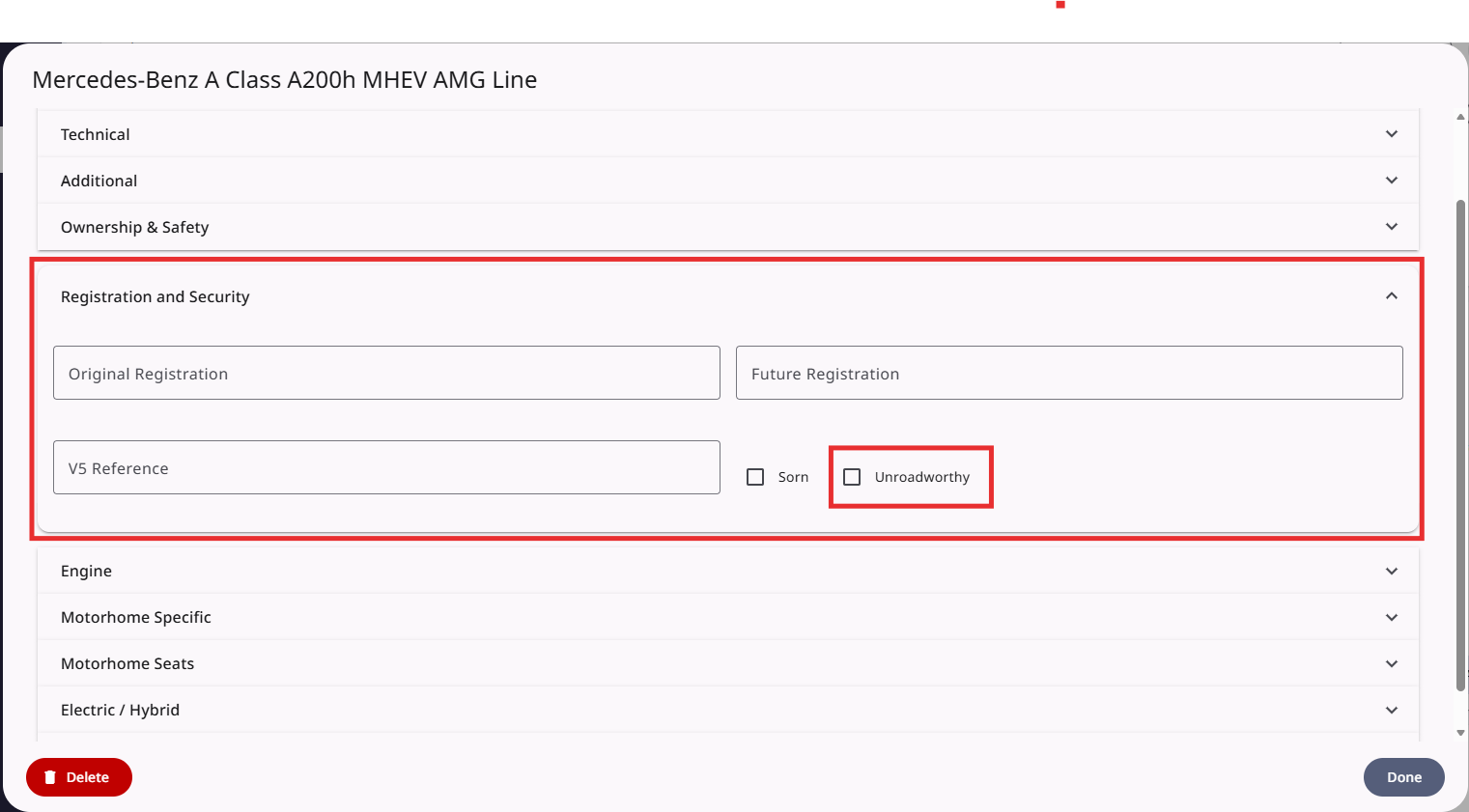
Vehicles in Dragon2000 Portal can now be marked as Unroadworthy with the relevant disclaimers displayed on the vehicle invoice.
Within a Vehicle Record go to the Edit section and click on Registration and Security. Tick the box for Unroadworthy. This will then use the Unroadworthy disclaimers on the vehicle invoice.
To edit your invoice disclaimers go to Settings > Vehicle Settings > Invoicing > Sales Disclaimers. You have the option to amend the Unroadworthy disclaimers for both Margin and Qualifying vehicles.
Deal Sheets
When creating a Deal within the Lead Management section, a deal can now be saved as a PDF document as well as being Printed.
Deal Analysis
The option to print the Deal Analysis for a vehicle record has been added within Sales > Deal Analysis > Print Deal Analysis.