
AutoTrader are replacing their Leads Integration with their Deals Integration. The AutoTrader Deals integration supports, dealer messages, vehicle enquiries, vehicle reservations and AutoTrader Deal Builder.
Changes in DragonPortal
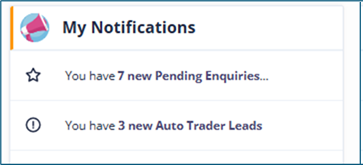
A new notification will show in My Notifications displaying new AutoTrader Leads. Clicking on this notification will take you to your AutoTrader leads, which will have no sales executive assigned.
All leads from AutoTrader will display the AutoTrader logo next to the Name of the lead.
Once a sales executive has been added to the lead, the lead will no longer show as a new AutoTrader lead.
How we handle the different types of enquiries from AutoTrader
Message to Dealer – a lead record is created in DragonPortal with no vehicle interest and no deal. The message content will be recorded in the lead activity.
Vehicle Enquiry – a lead record is created in DragonPortal with a vehicle interest and a deal for that vehicle.
Reservation – a lead record is created in DragonPortal with a vehicle interest and a deal for that vehicle, within the deal the reservation status and amount will be displayed.
Deal Builder – a lead created with a vehicle interest and a deal for that vehicle, if the consumer has added a part exchange this will be added to the deal. Any requests for vehicle finance and outstanding finance on PX, will be shown within the notes section of the deal. If a reservation has been made this will show in the reservation status.
AutoTrader Deal Information
Within an AutoTrader linked Deal a new AutoTrader section shows key information about the deal, including reservation status, reservation amount, delivery method and dealer ID.
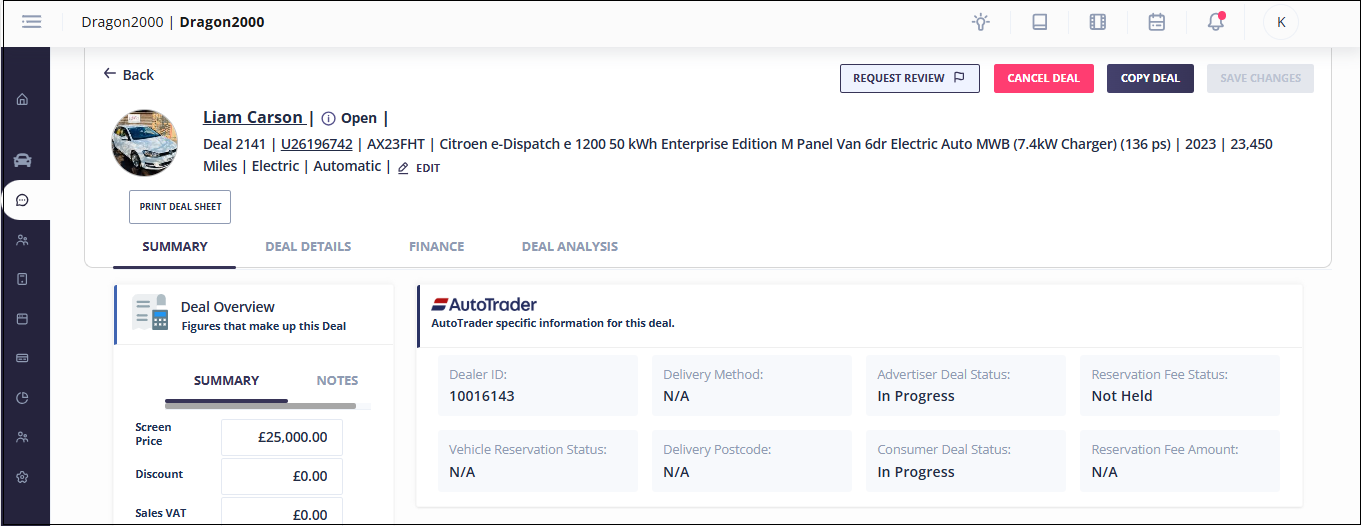
AutoTrader linked Deals
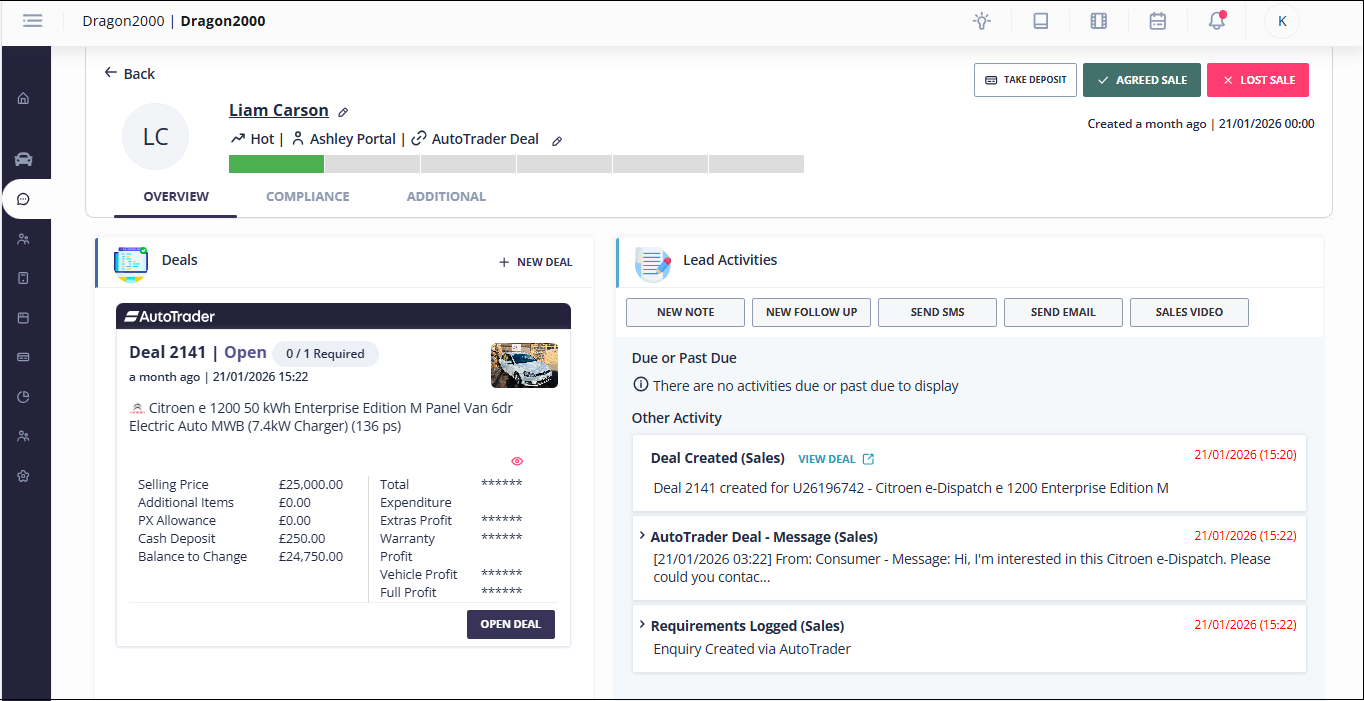
Linked AutoTrader Deals have a blue banner with the AutoTrader logo.
When a deal is linked to AutoTrader we update the deal on AutoTrader Portal when changes are made to the Part Exchange details, like adding or removing a part exchange, changing the offer price or the outstanding finance amount.
We mark the deal as Complete, when the deal is converted to sale and the sales invoice has been printed.
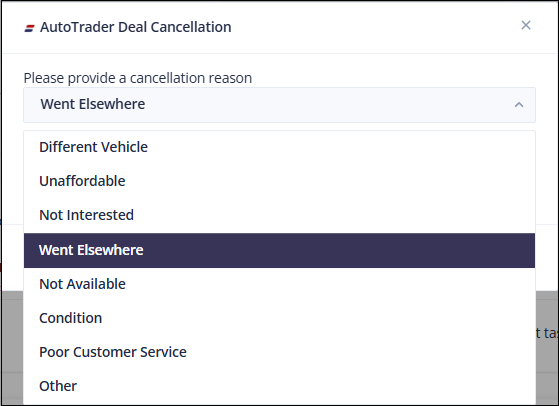
We mark the deal as Cancelled, when the enquiry record has been marked as a lost sale. or when the deal is cancelled. Deals linked to AutoTrader will require a cancellation reason to be recorded.
Reservation Fees
Consumers visiting AutoTrader can reservation a vehicle by paying a fully refundable reservation fee. (How does the reservation fee work? | Autotrader UK)
The reservation fee will be released based on the following scenarios:
- The Sale of the vehicle has been completed
- The Deal has been cancelled